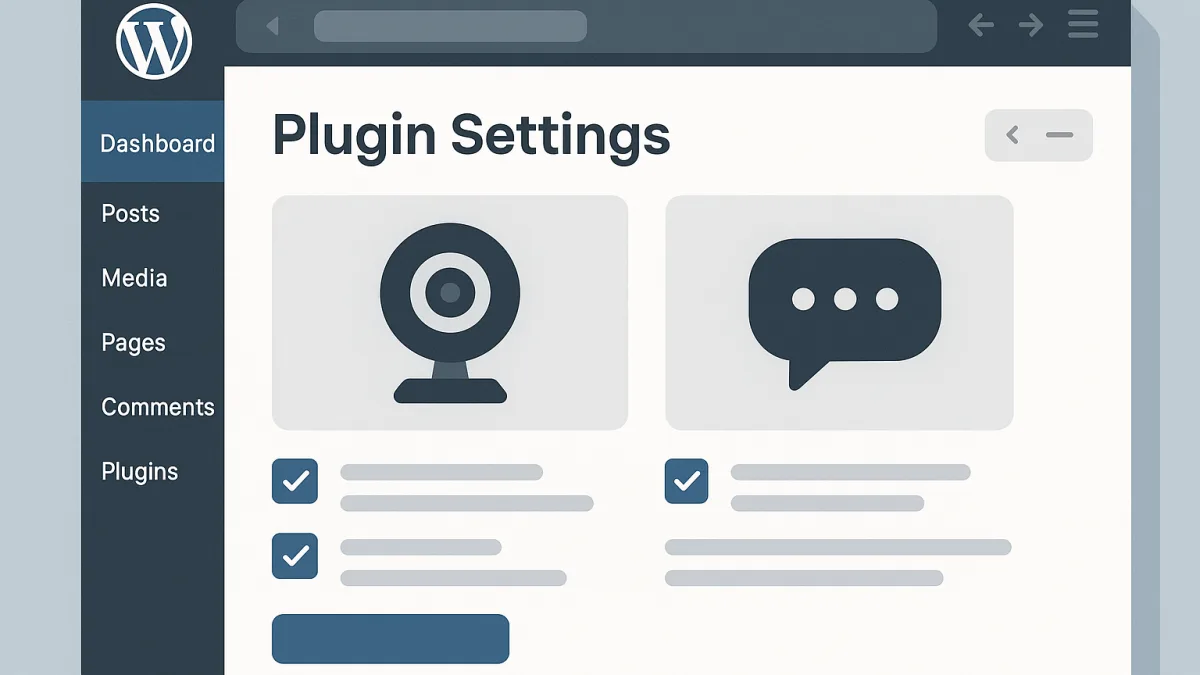
Introducing Dialogoo's Official WordPress Plugin
Dialogoo has made it easier than ever to add live webcam chat to your WordPress site with its official plugin, now available on the WordPress.org Plugin Directory. This powerful tool allows webmasters to enhance their online communities with real-time video communication, fostering deeper engagement and interaction among users.
Why Choose Dialogoo for Your WordPress Site?
Integrating Dialogoo's chat solution into your WordPress site offers numerous benefits. The plugin provides a comprehensive suite of features that cater to diverse community needs. These include role-based permissions, multi-webcam capabilities, and private messaging, all of which contribute to a dynamic and secure chat environment.
Additionally, Dialogoo's commitment to privacy and security ensures that your community can engage safely, a crucial factor for any online platform. To explore Dialogoo's full range of features, take a look at the features overview.
How to Add Webcam Chat Using the Dialogoo Plugin
Getting started with the Dialogoo Chat plugin on your WordPress site is a straightforward process. Follow these steps to integrate live webcam chat seamlessly:
Step 1: Install the Plugin
- Navigate to your WordPress dashboard.
- Go to Plugins → Add New.
- Search for "Dialogoo Chat" in the Plugin Directory.
- Click Install Now and then Activate the plugin.
Step 2: Configure Your Chat Settings
Once the plugin is installed, you can configure your chat settings directly from the WordPress admin panel:
- Customize your chat room's appearance with your brand's colors and logos without any coding.
- Select the appropriate role-based permissions for your users, ensuring a safe and organized community environment.
To see how Dialogoo works step by step, visit the how it works page.
Step 3: Add the Chat to Your Site
With Dialogoo, you can add chat functionality using a shortcode, floating chat bubble, or full-screen mode:
- Use the
[dialogoo_chat]shortcode on any page or post to embed the chat room. - Enable the floating chat bubble for sitewide access to the chat feature.
- Opt for the full-screen mode for an immersive chat experience.
Explore more about integrating webcam chat with WordPress on our WordPress Webcam Video Chat Guide.
Enhancing Community Engagement
Adding webcam chat to your WordPress site with Dialogoo not only boosts user interaction but also enhances community engagement. Users can view multiple webcams simultaneously, resize webcam tiles, and even choose between public and private webcam options. This flexibility ensures that the chat experience meets the unique needs of your community.
Start Today with Dialogoo
Whether you're running an online community, an e-commerce site, or a nonprofit organization, Dialogoo's plugin simplifies the process of adding live webcam chat to your WordPress site. By integrating this feature, you can foster a more interactive and engaging environment for your users. To begin, visit the create my chat page and start setting up your Dialogoo chat solution today.