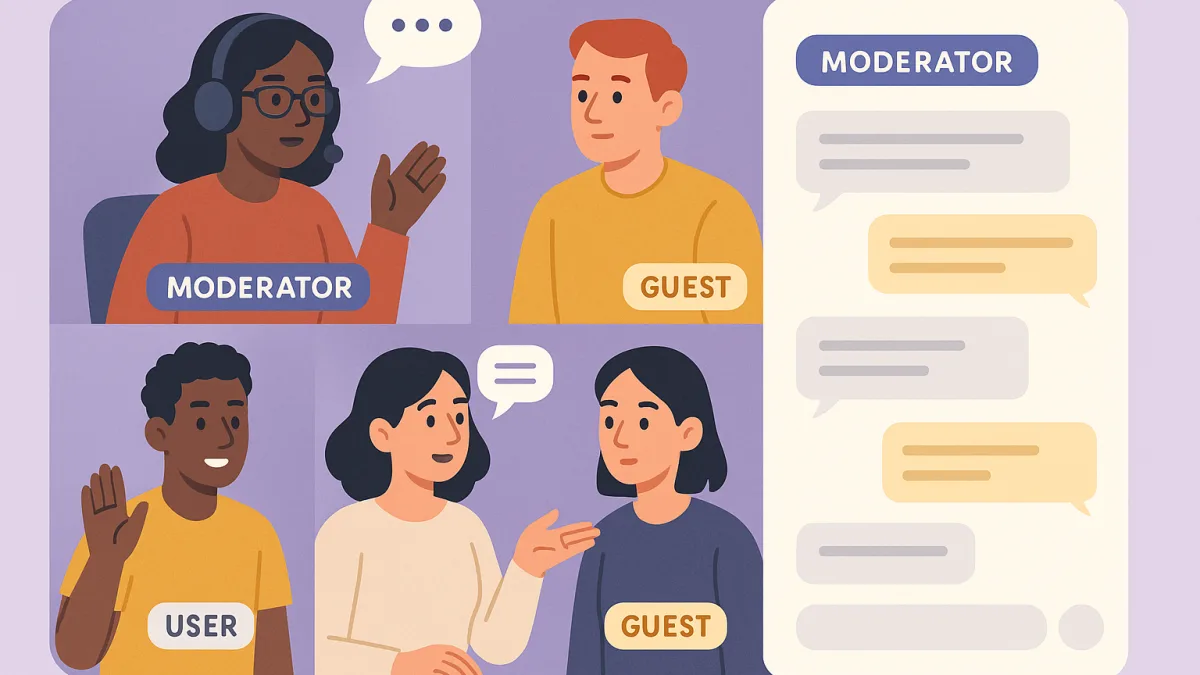
Understanding Role-Based Permissions
Role-based permissions in chat rooms provide a structured approach to managing user interactions and maintaining order. This system assigns different access levels or capabilities to users based on their role, such as guests, users, or moderators. Each role comes with specific permissions that determine what actions a user can take within the chat environment.
The Importance of Role-Based Permissions
Implementing role-based permissions is crucial for several reasons. First, it enhances security by ensuring that sensitive functions, such as banning or blocking users, are only available to trusted moderators. This helps prevent potential misuse or abuse of power within the community. Additionally, role-based permissions help streamline chat management by clearly defining user capabilities, making it easier for administrators to maintain the community's standards and policies.
Enhancing Community Engagement
Beyond security, role-based permissions also play a significant role in fostering community engagement. By assigning roles and responsibilities, community members feel a sense of belonging and are more likely to participate actively. For instance, users who aspire to become moderators may be more engaged in the community to demonstrate their commitment and reliability.
Dialogoo's chat platform, as detailed on our features page, offers a robust system of role-based permissions that can be easily managed from the webmaster's panel.
Tailoring Roles to Fit Community Needs
One of the advantages of using a chat solution like Dialogoo is the ability to customize roles according to the community's unique needs. Whether you run an online forum, a nonprofit organization, or an e-commerce site, you can tailor these roles to align with your specific goals and audience.
Visit our how it works page to learn more about setting up and managing roles effectively within your chat rooms.
Implementing Role-Based Permissions
Setting up role-based permissions in Dialogoo is straightforward. Start by identifying the different roles your community needs. Common roles include moderators, who have the authority to manage and oversee chats, and regular users, who can participate in conversations but have limited administrative capabilities.
Once roles are defined, you can assign permissions accordingly. Moderators, for example, might have the ability to ban users or approve webcams for private viewing, while guests might only have access to view certain content.
Conclusion
Role-based permissions are a powerful tool in managing a chat room effectively. They help create a secure and engaging environment by assigning control and responsibilities to specific roles. By understanding and implementing these permissions, you can enhance the functionality and community experience of your online platform.
If you're interested in experiencing how role-based permissions can benefit your community, why not start a free Dialogoo chat today?